DonutSMP Commands List 2026 — Full Cheat Sheet
The complete DonutSMP commands cheat sheet — every command you need for economy, teleport, social, and PvP.

⚡ Skip the grind — delivered in 5 min
100M DonutSMP Coins
Bulk discounts on 500M+ · Cheapest on the server · Instant delivery
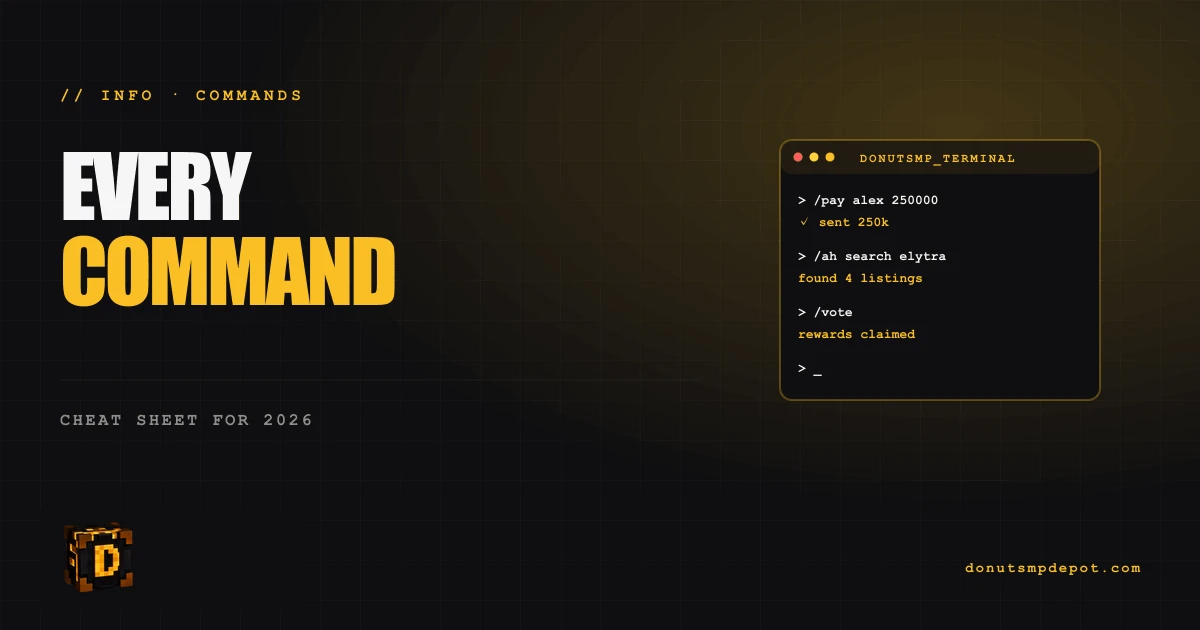
Bookmark this page. Every command you'll use on DonutSMP, organized by category.
Economy commands
/balanceor/bal— check your coin balance/pay <player> <amount>— send coins to another player/sell hand— sell what you're holding to the NPC shop/sell all— sell all sellable items in inventory/ah— open the auction house/ah listings— see what you have listed/order— open the buy/sell orders system/shop— open NPC shop near spawn/vote— view daily voting links
Teleport commands
/spawn— return to spawn/sethome [name]— set a home/home [name]— return to a home/delhome [name]— delete a home/homes— list your homes/tpa <player>— request teleport to a player/tpaccept— accept incoming TPA/tpdeny— deny incoming TPA/tphere <player>— request a player to teleport to you/warp <name>— teleport to public warp/warps— list available warps
Social commands
/msg <player> <message>— private message/r <message>— reply to last message/ignore <player>— block messages from a player/list— see online players/me <action>— emote action/local <message>— local chat only/global <message>— global chat
PvP & combat
/duel <player>— challenge to a duel/duelaccept— accept duel/bounty <player> <amount>— place bounty/bounties— list active bounties
Faction/clan commands (if applicable)
/f create <name>— create faction/f join <name>— join faction/f leave— leave faction/f claim— claim chunk for faction
Settings commands
/togglepm— toggle private messages on/off/togglechat— toggle global chat/spawn protection— set spawn protection toggles
Rank-locked commands
(Depending on which rank you bought.)
/fly— flight in safe zones (Glaze+ rank)/nick <name>— set nickname (Donut+ rank)/kit— claim daily kit (varies by rank)/particles— toggle particle effects (Sprinkle+ rank)
Admin commands (you'll never use these)
/ban//kick//mute— staff only/giveitem— staff only/spawnmob— staff only
Most-forgotten commands
Players often forget these exist:
/votedaily — free coins, ignored by most players/ordernot /sell — sells items for higher prices than /sell shop/sethome warp <name>(rank-locked) — set multiple named homes/ah sort price— sort auction by price to find cheap deals
Frequently Asked
Can I create command shortcuts?
Yes — Minecraft's /trigger or your client's macro system. Common: F-key bound to "/sell all".
Why doesn't /fly work for me? You need a Glaze rank or higher. Or /fly is disabled in your current zone.
How do I find available commands?
Type /help in chat. Some clients (Lunar, Badlion) show command autocomplete.
What's the most useful command I should learn?
/vote — easy daily income. Then /ah and /order for trading.
Ready to skip the grind?
DonutSMP coins, gear & auto-farms — delivered to your inventory in under 5 minutes.
Shop all products →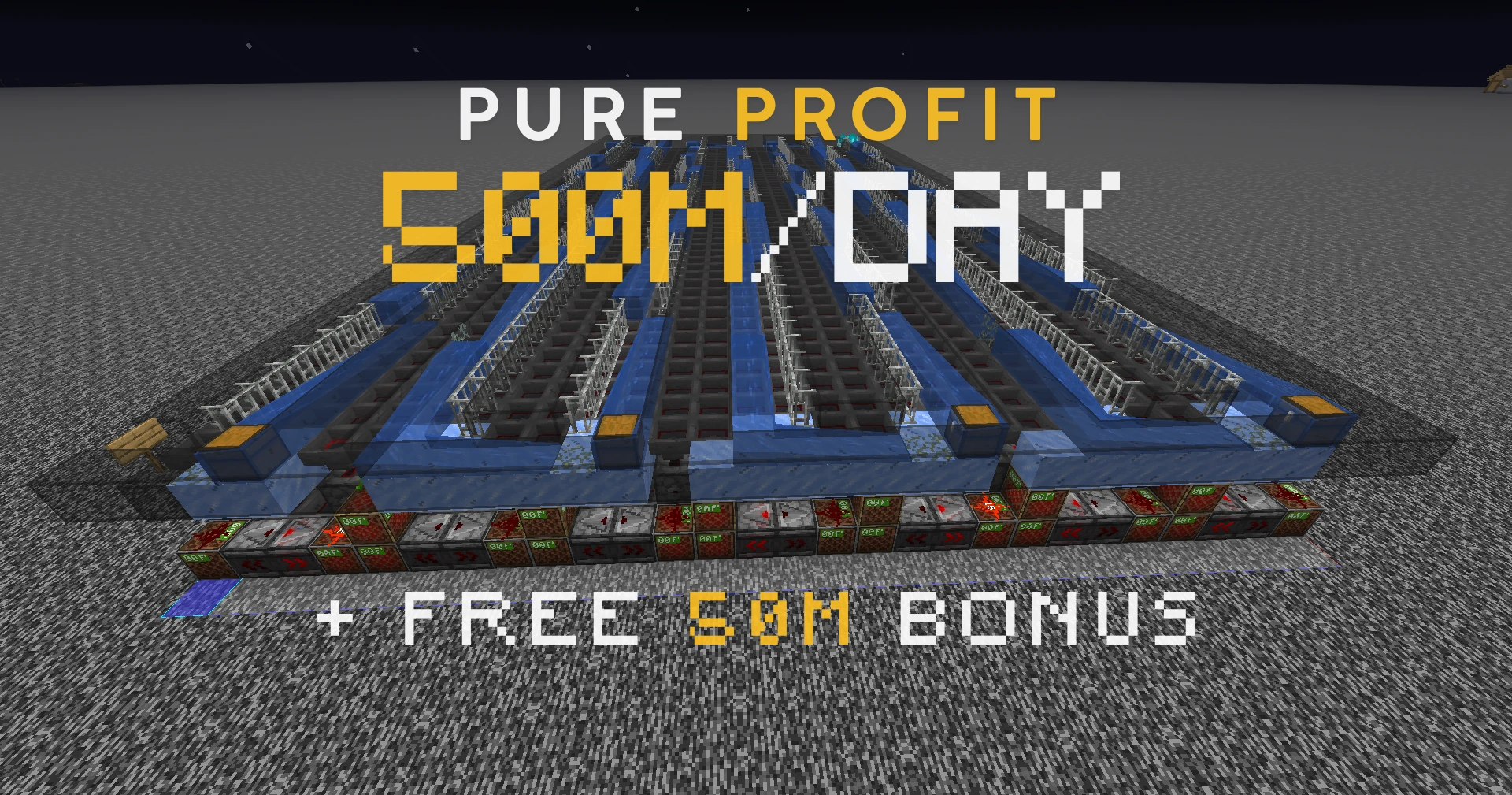

Published at Jul 07, 2026







🍩 First order? Here's 10% off
Get [10% Off] Your First Order
New to the Depot? Take 10% off anything — coins, gear, spawners, farms. Cheapest rates on the server, delivered to your inventory in under 5 minutes. Grab it before it's gone. ⚡
Copy the code — it applies at checkout.