DonutSMP Server IP & How to Join (Java + Bedrock) 2026
How to join DonutSMP — server IPs for Java and Bedrock, step-by-step, common errors fixed.
⚡ Skip the grind — delivered in 5 min
100M DonutSMP Coins
Bulk discounts on 500M+ · Cheapest on the server · Instant delivery
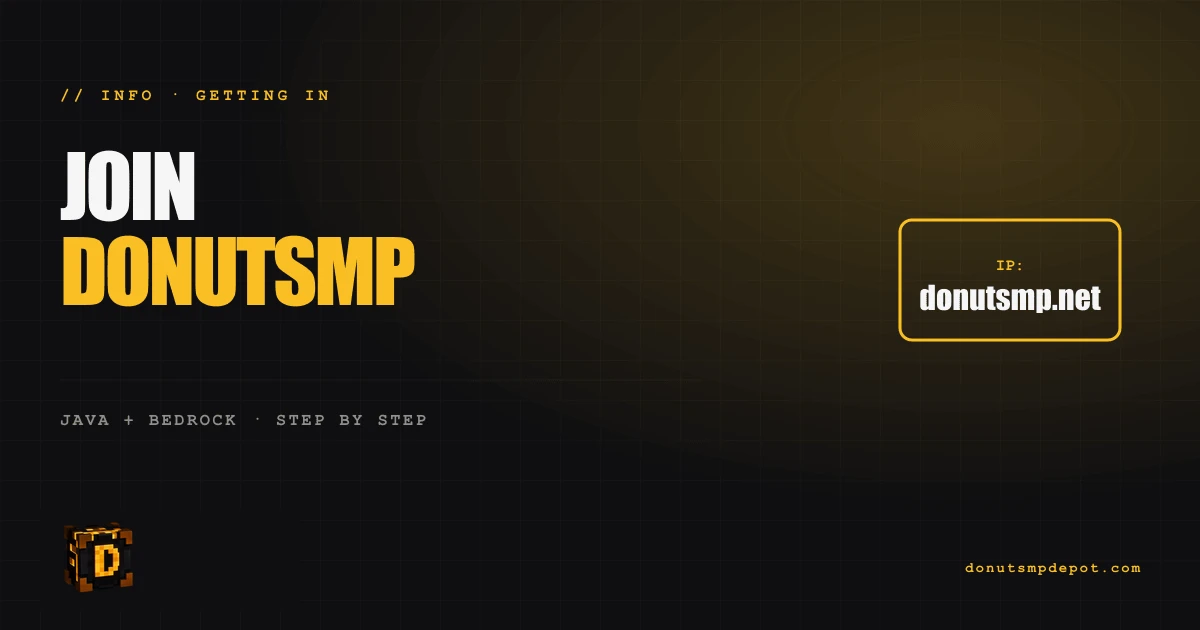
Joining DonutSMP takes 60 seconds. Here's the IP, the steps, and the fixes for common connection problems.
Server IPs
- Java Edition:
donutsmp.net(port 25565, default) - Bedrock Edition:
bedrock.donutsmp.net(port 19132)
How to join (Java Edition)
- Open Minecraft Java
- Click Multiplayer
- Click Add Server
- Server Name: anything you like
- Server Address:
donutsmp.net - Click Done
- Click the server in your list, click Join Server
How to join (Bedrock Edition — Win10/PE/Console)
- Open Minecraft Bedrock
- Click Play → Servers tab
- Click Add Server
- Server Name: DonutSMP
- Server Address:
bedrock.donutsmp.net - Port:
19132 - Save and connect
Required version
DonutSMP supports current Minecraft versions. As of 2026, the recommended Java versions are 1.20 and above. The server adapts to most modern versions — if you can't connect, update your Minecraft to the latest.
Common connection errors
"Outdated Client / Outdated Server" Update your Minecraft to the latest version. The server runs on the newest Minecraft release.
"Cannot connect / Connection refused"
- Check your internet connection
- Try restarting Minecraft
- Try a different DNS (Cloudflare 1.1.1.1 often fixes this)
"You are not whitelisted" DonutSMP doesn't use a whitelist publicly. If you see this error, the server may be temporarily restricted — wait 5 minutes and retry.
"Internal Exception" Often a corrupt session. Sign out of Minecraft and sign back in.
"Server is full" DonutSMP caps concurrent players. Wait a few minutes for slot to open.
Recommended clients for performance
Vanilla Minecraft works fine, but most active DonutSMP players use:
- Lunar Client (most popular) — great FPS, mod-friendly, free
- Badlion Client — alternative with similar features
- Vanilla — fine for casual play, slower than the optimized clients
Don't use hacked clients. Detection systems will catch you and ban.
First steps after joining
- Set a home:
/sethome - Run
/voteto claim daily rewards - Find a safe spot to build a starter base
- Set up a basic bamboo farm for passive income
Frequently Asked
Is DonutSMP free? Yes — 100% free to join. Optional ranks and cosmetics cost money.
Can I cross-play between Java and Bedrock? Players from both can join the same world, but they appear with different usernames if logged separately.
What's the average player count? 500-2000 concurrent on average. Peak weekends: higher.
Is DonutSMP safe? The server itself is fine. Be cautious of player scams in-game (don't /pay strangers).
Does the server have offline mode? No — official Microsoft authentication required.
Ready to skip the grind?
DonutSMP coins, gear & auto-farms — delivered to your inventory in under 5 minutes.
Shop all products →

Published at May 21, 2026







🍩 First order? Here's 10% off
Get [10% Off] Your First Order
New to the Depot? Take 10% off anything — coins, gear, spawners, farms. Cheapest rates on the server, delivered to your inventory in under 5 minutes. Grab it before it's gone. ⚡
Copy the code — it applies at checkout.